
Logfire Integration
Connect Your Logfire Account
Section titled “Connect Your Logfire Account”- Navigate to Integrations in your team sidebar
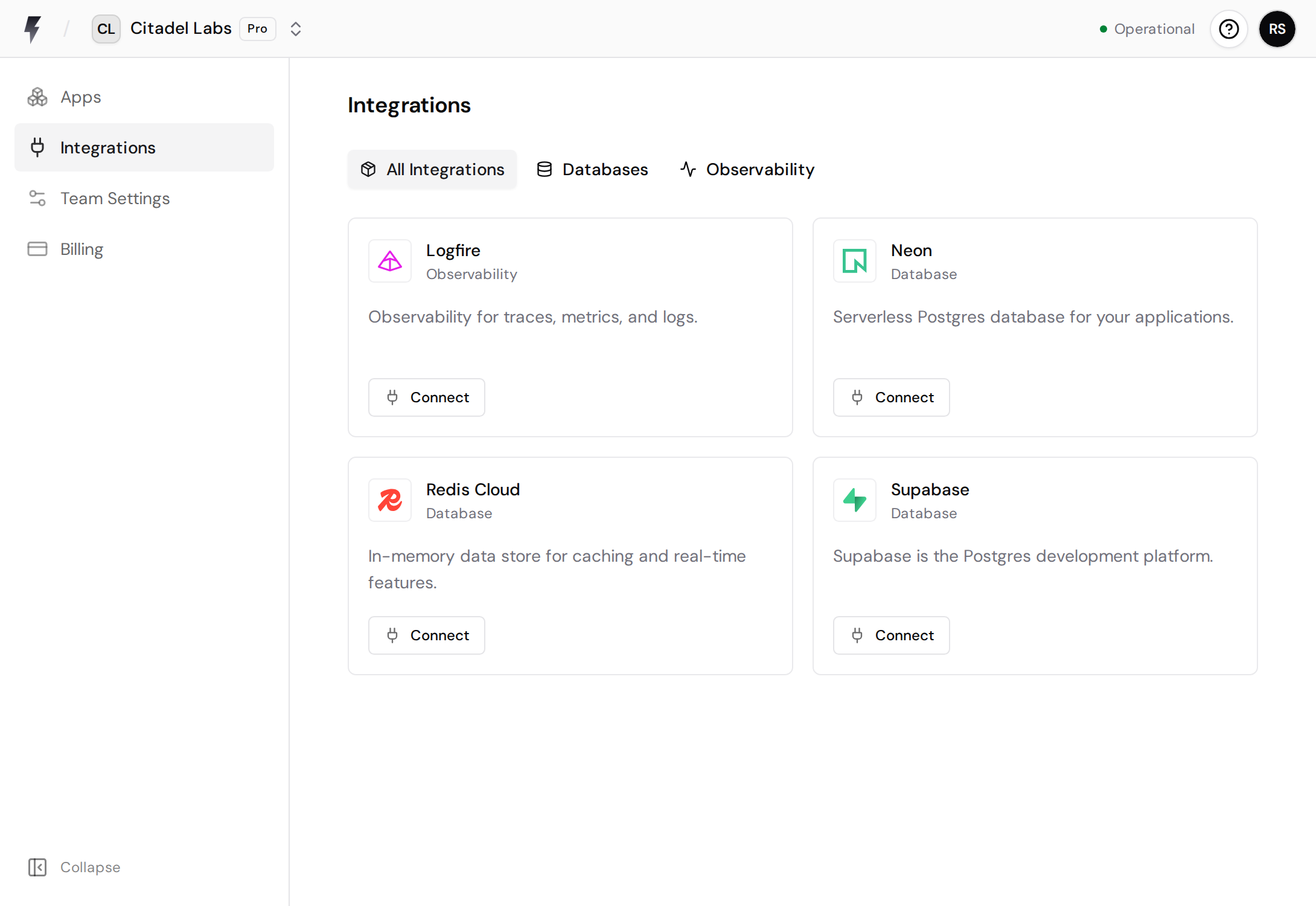
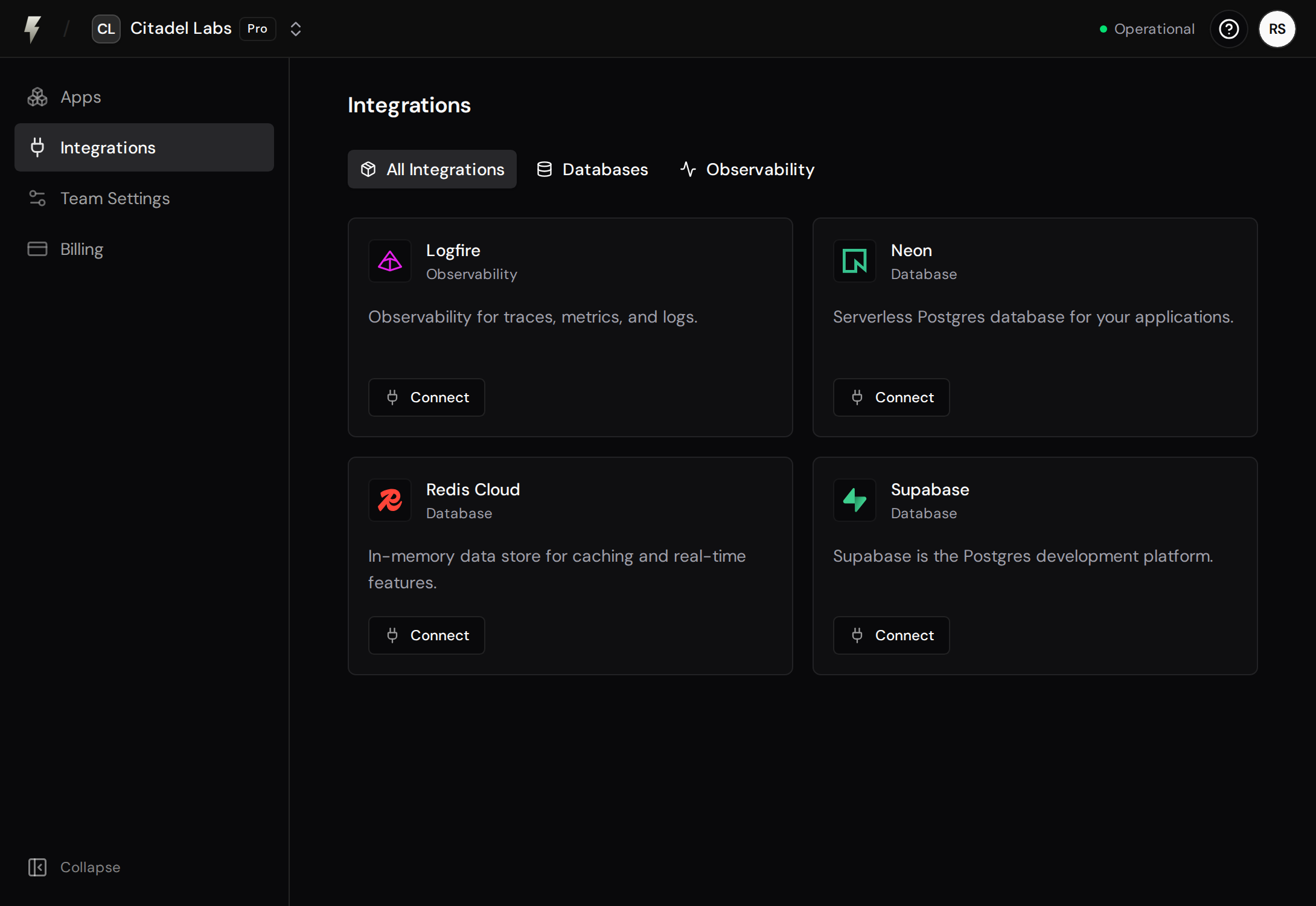
- Click Connect on the Logfire integration
- You’ll be redirected to Logfire to authorize FastAPI Cloud
- Grant the requested permissions and you’ll be redirected back
FastAPI Cloud requests access to read your organizations and projects, create projects, and create write tokens for selected projects.
Connect a Logfire Project to Your App
Section titled “Connect a Logfire Project to Your App”After connecting your Logfire account, you can link a Logfire project to any app in your team:
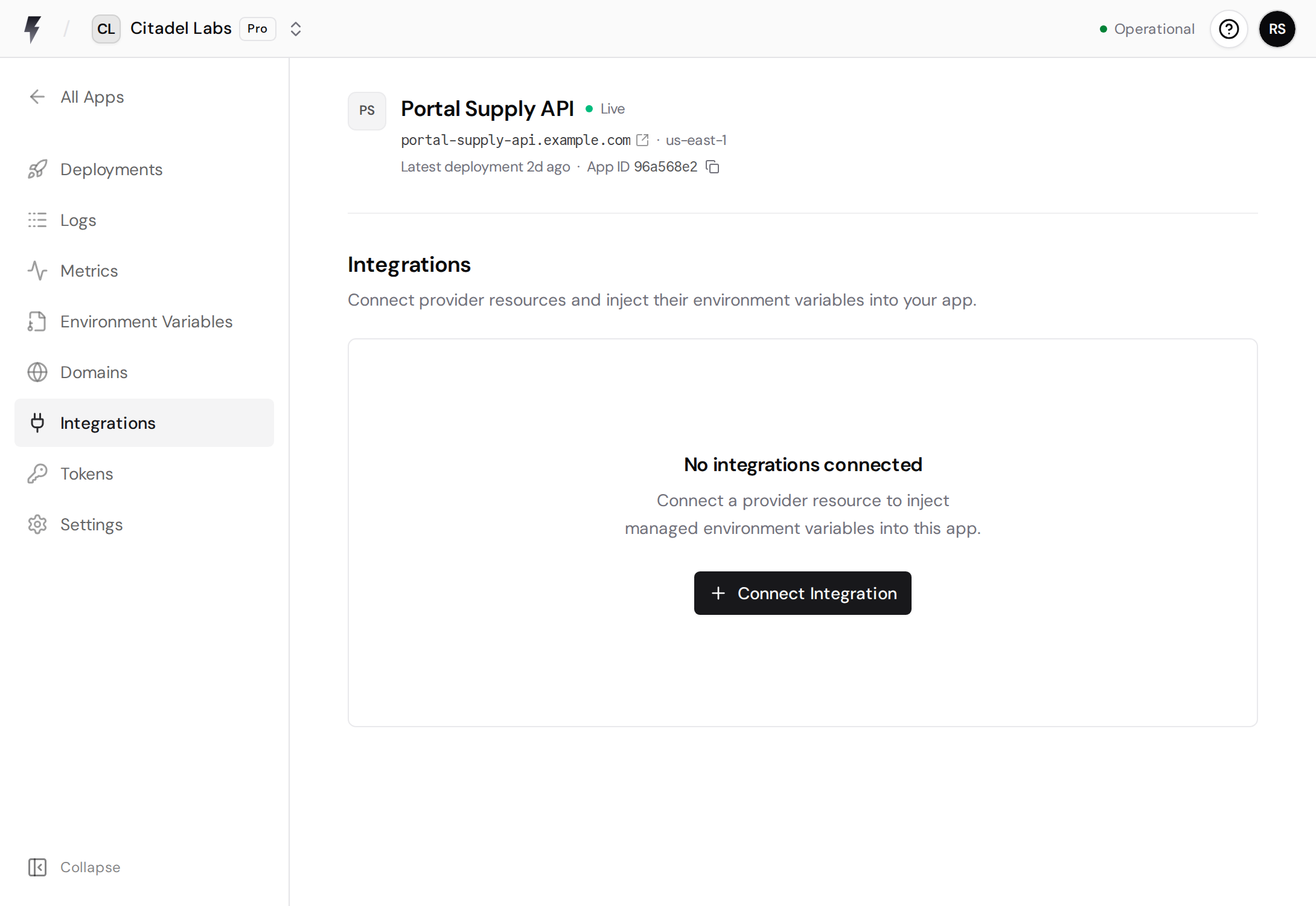
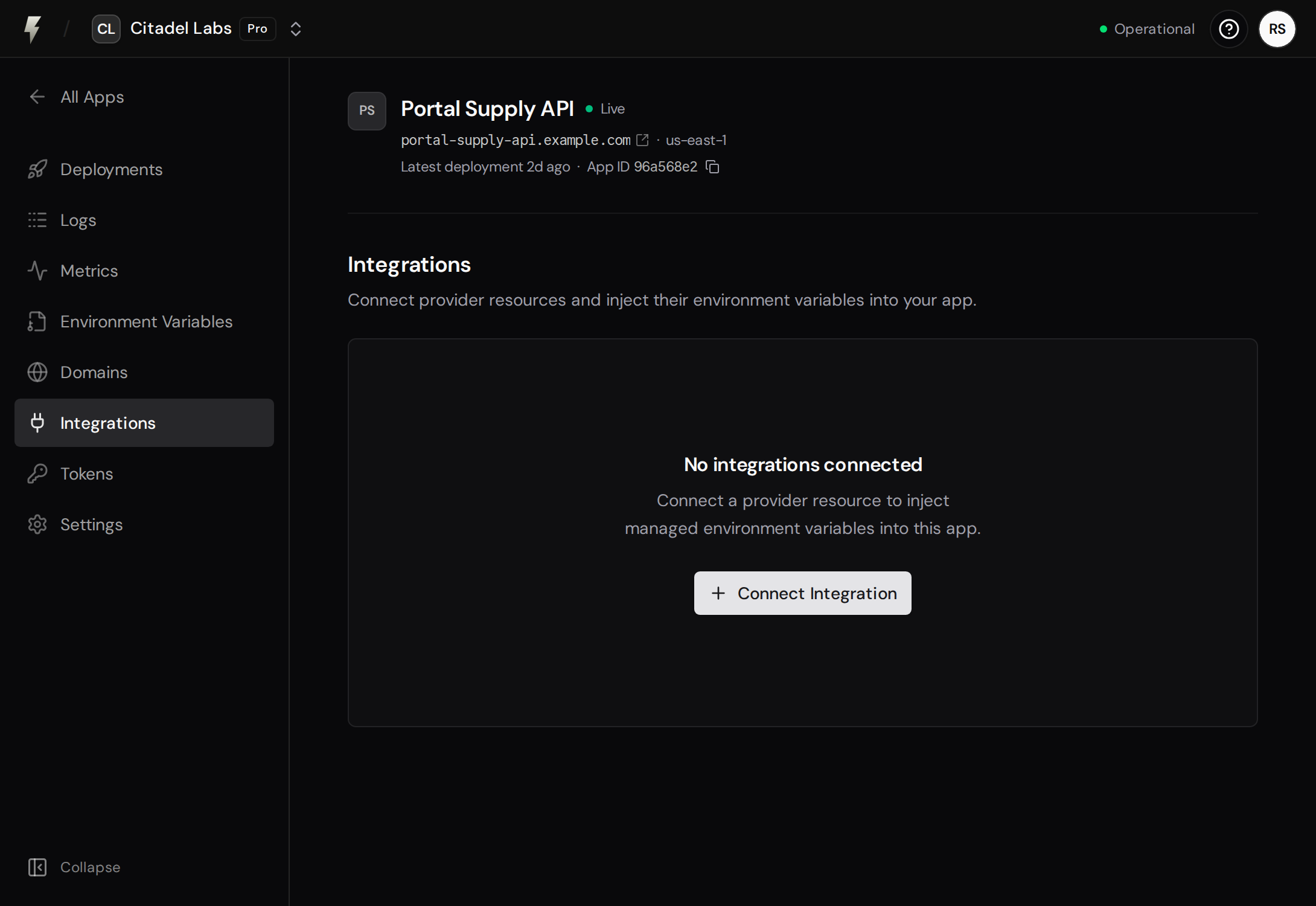
- Go to your app’s Integrations tab in the app details and click Connect Integration
- Click Select on the Logfire integration
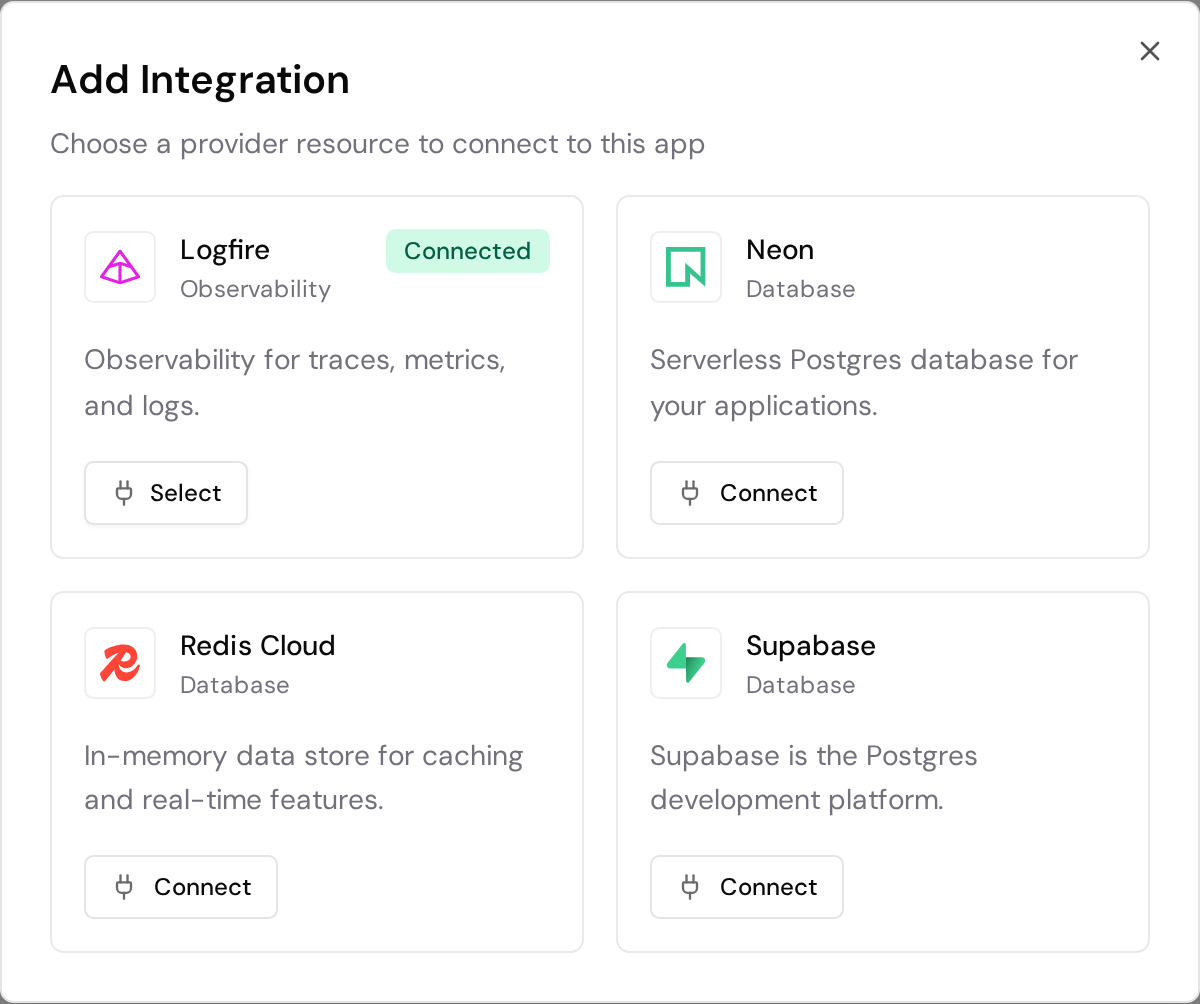
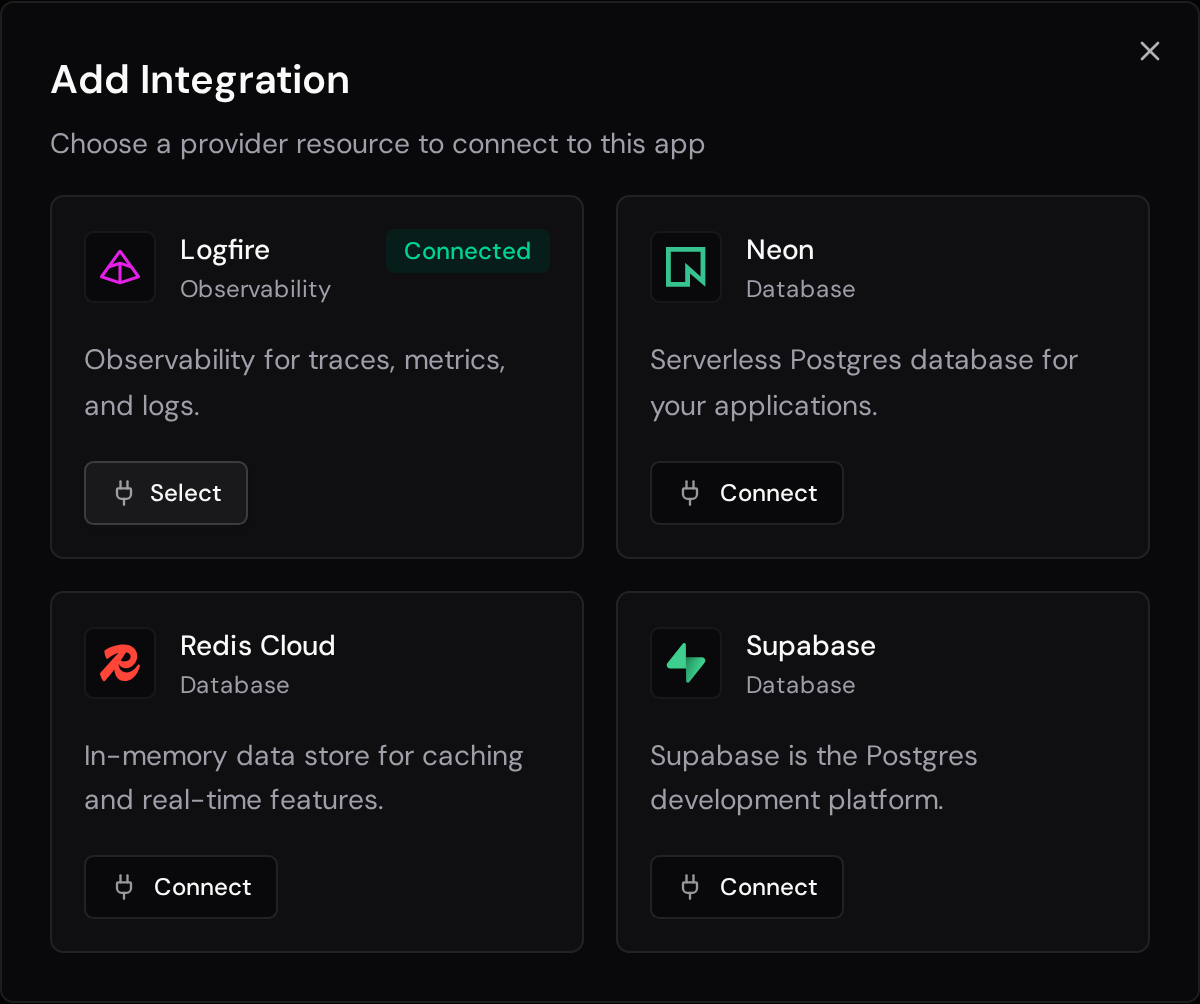
- Choose an existing project, or create a new private project
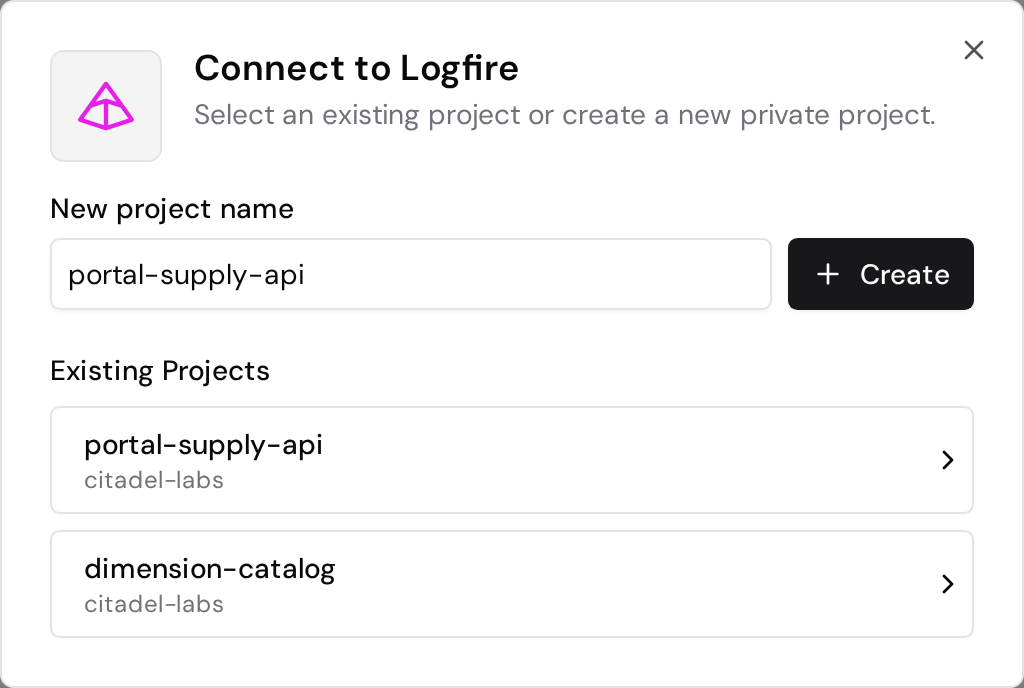
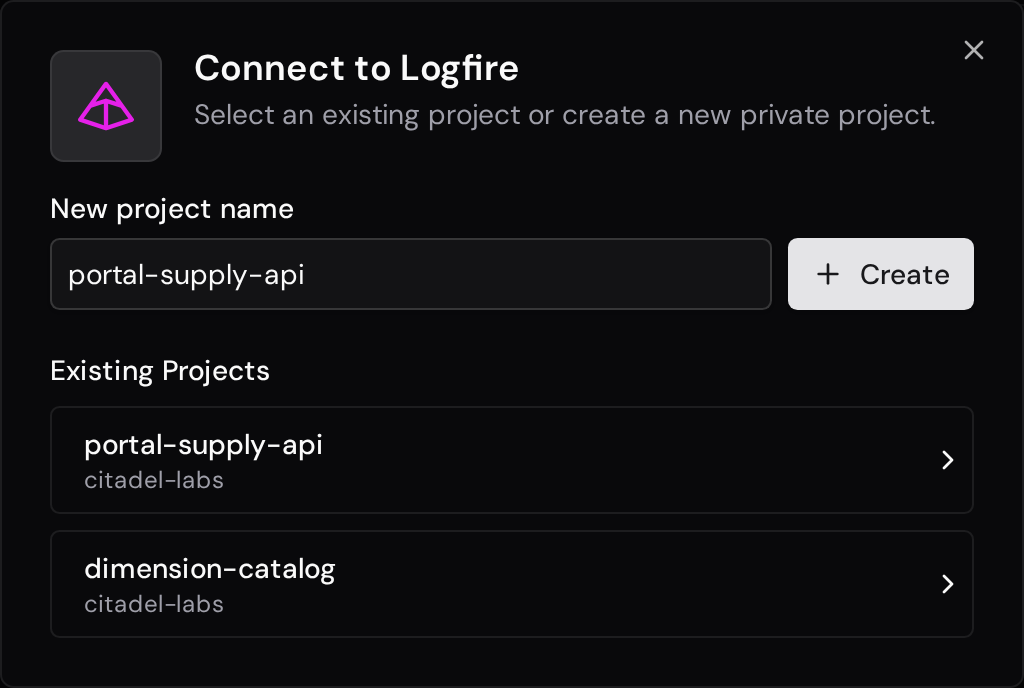
- Review the selected project and environment variable, then connect it. You can optionally trigger an immediate redeployment
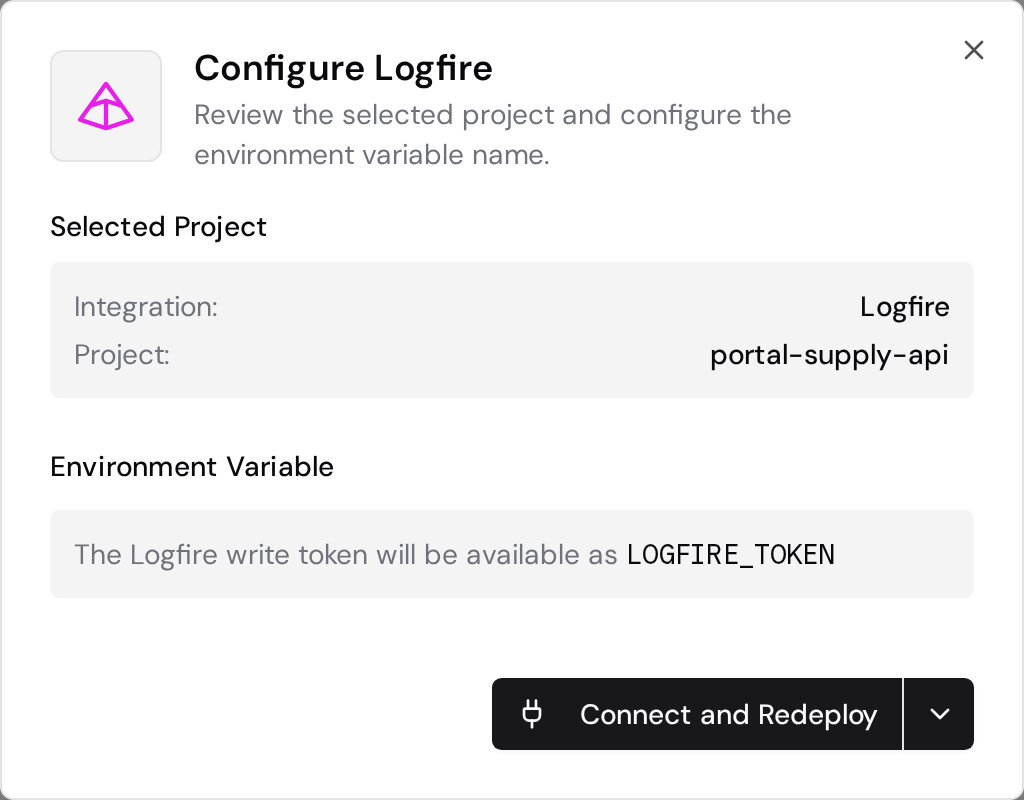
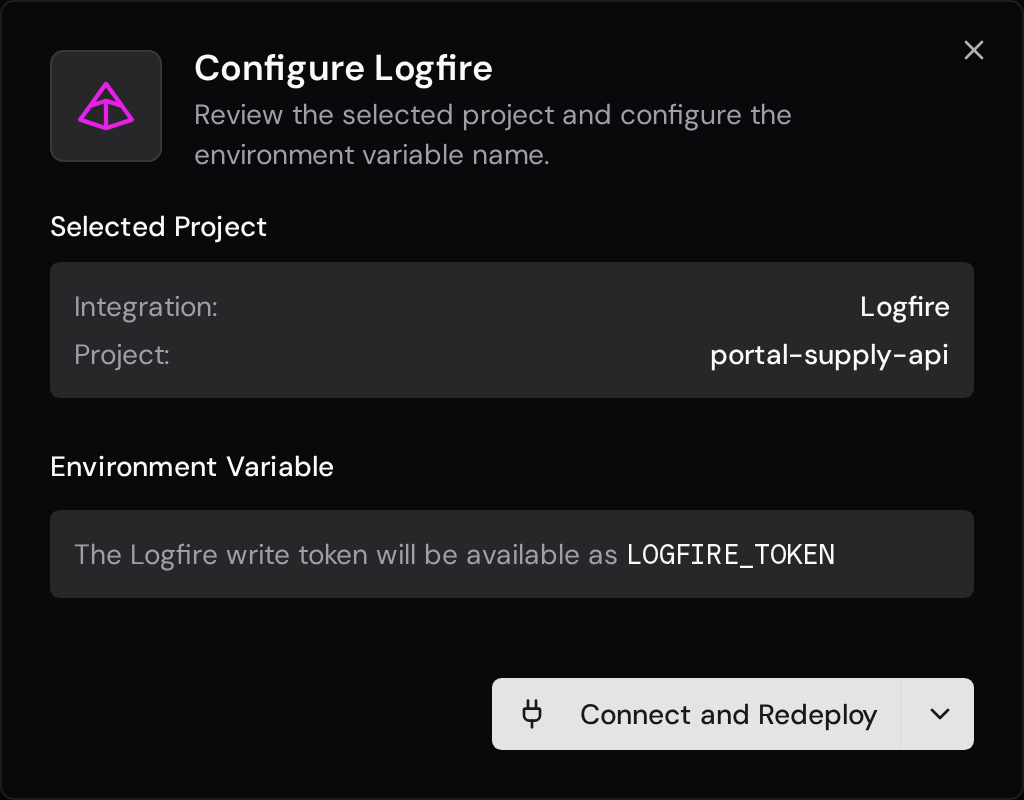
FastAPI Cloud will automatically create a LOGFIRE_TOKEN environment variable using a Logfire write token and store it as an encrypted secret. Removing the connected resource revokes the write token in Logfire.
Environment Variable
Section titled “Environment Variable”The default environment variable name is LOGFIRE_TOKEN. You can customize this when connecting if you already have a LOGFIRE_TOKEN in use.
Usage in Your App
Section titled “Usage in Your App”Install Logfire with FastAPI support:
uv add "logfire[fastapi]"Then configure Logfire in your FastAPI app. The Logfire SDK reads the LOGFIRE_TOKEN environment variable that FastAPI Cloud injects.
from fastapi import FastAPI
import logfire
app = FastAPI()
logfire.configure()logfire.instrument_fastapi(app)

@app.get("/")def read_root():    logfire.info("Handling root request")    return {"message": "Hello World"}
For more instrumentation options, see the Logfire FastAPI integration docs.